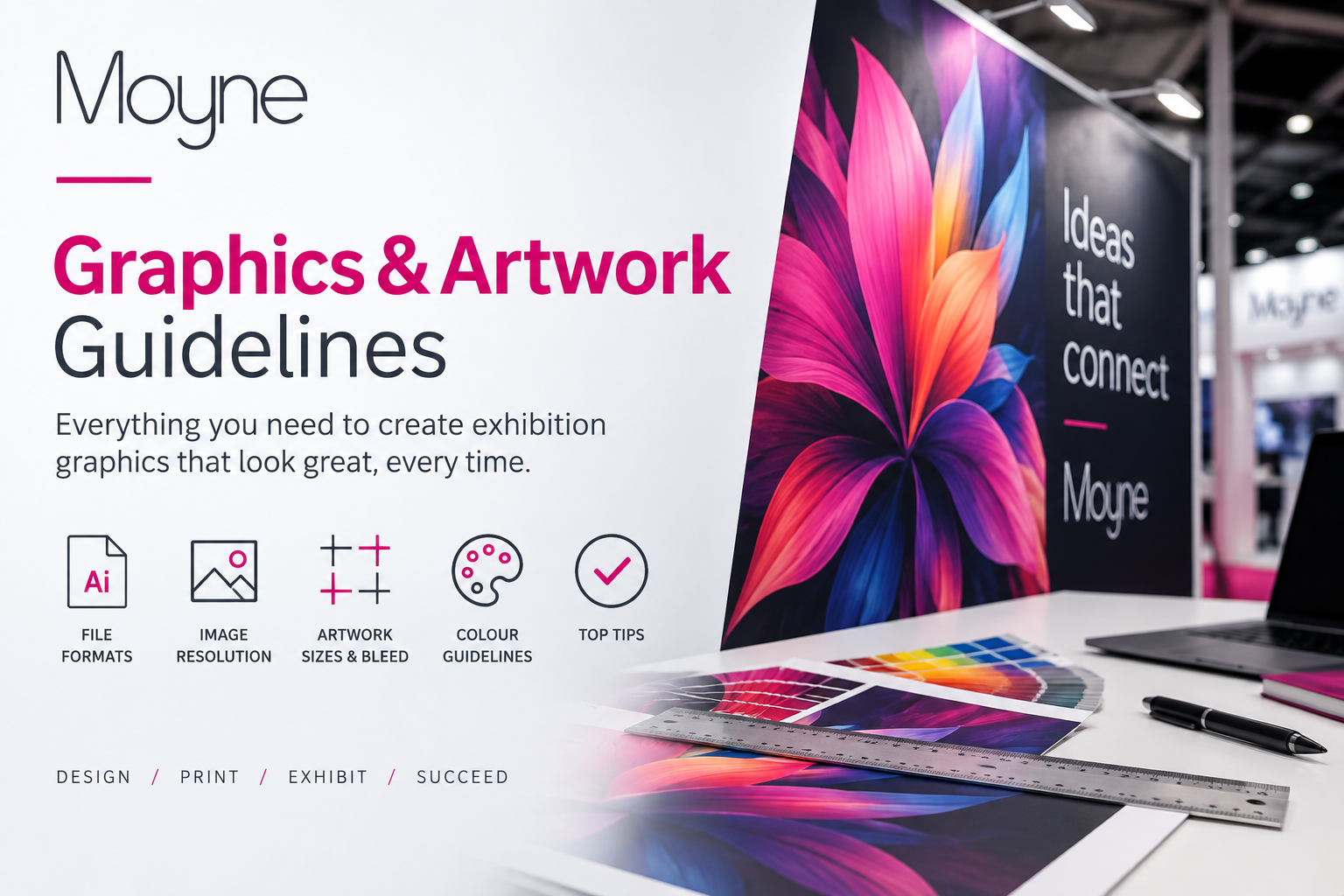
Graphics & Artwork Guidelines

Prepare print-ready artwork for your exhibition stand graphics.

Correctly prepared artwork helps ensure your exhibition graphics are produced accurately and on time.

Use this guide before creating or uploading artwork for wall panels, nameboards, signage, lightboxes and other printed stand graphics.

Artwork dimensions, panel sizes, upload deadlines and production requirements may vary between exhibitions. Always check the information supplied within your individual exhibition dashboard before submitting files.
EXHIBITOR ZONE

Use The Correct Size

Prepare each graphic using the dimensions and templates supplied for your exhibition and stand system.

Supply Print-Ready Files

Submit high-quality artwork with the correct colour settings, resolution, bleed and embedded fonts.

Upload Before The Deadline

Allow sufficient time for file checking, production and any corrections that may be required.

Artwork Preparation Checklist

Check each requirement before submitting your graphics files.

Correct Dimensions

Create the artwork using the exact dimensions supplied for the relevant wall panel, nameboard, lightbox or printed product.

Do not assume that all panels or stand systems use the same measurements.

Bleed & Safe Area

Include the required bleed around each artwork file.

Keep logos, text and important design elements inside the recommended safe area so they are not affected by trimming or panel joins.

Colour Mode

Prepare artwork using the colour mode requested in the supplied specification.

Printed colours may differ from those displayed on a screen, especially when artwork has been created using screen-based colour settings.

Image Resolution

Use high-resolution images suitable for the final printed size.

Images taken from websites, screenshots or social media may be too small for large-format exhibition graphics.

Fonts & Text

Embed fonts or convert text to outlines where required.

Check all company names, contact details, web addresses and promotional wording carefully before submitting the final files.

Logos & Vector Files

Use vector versions of logos and graphic elements whenever possible.

Low-resolution logos may appear blurred or pixelated when enlarged for exhibition graphics.

File Format

Supply files using the format requested in your artwork specification.

PDF is commonly used for print-ready artwork, but your exhibition instructions may request another format.

Panel Identification

Clearly identify which artwork belongs to each wall, panel or lightbox.

Use consistent file names and include panel references that match your submitted stand plan.

Final Proofing

Review every file at full size before uploading it.

Once artwork has been approved for production, later corrections or replacement files may incur additional charges.

Artwork Sizes & Templates

Use the templates or measurements supplied for your specific exhibition, stand type and graphic product.

A stand may contain several panels with different dimensions. Check each panel individually and do not create one large file unless the specification specifically requests it.

Where artwork continues across multiple panels, consider how important text, logos and faces will be affected by panel joins.

Designing Across Multiple Panels

Continuous artwork can create a strong visual effect across an exhibition stand, but the design must account for panel joins, corners and structural elements.

Avoid placing small text, logos or important details directly across a join.

Use your stand plan to confirm the correct order and orientation of every printed panel.

File Naming & Panel References

Make every file easy to identify.

Use clear file names containing your company name, exhibition, stand number and panel reference.

For example:

CompanyName_Exhibition_StandA12_BackWallPanel1.pdf

Avoid unclear file names such as Final.pdf, NewArtwork.pdf or Version2.pdf.

Where several files are supplied, include a stand visual or panel-location plan showing where each graphic should be installed.

Artwork For Different Graphic Products

Check the specification for the exact product you have ordered.

Wall Panel Graphics

Prepare artwork for the correct panel dimensions and identify the wall and panel position clearly.

Consider the location of panel joins, shelves, screens, sockets and other stand elements.

Nameboards & Fascia Signs

Supply the exact company name and wording required.

Check spelling, capitalisation and punctuation carefully, as the submitted wording may be reproduced exactly.

Lightbox Graphics

Use the lightbox artwork template supplied for the specific product.

Allow for any visible edges, finishing areas or frame sections shown in the specification.

Freestanding Signs

Confirm whether artwork is required for one side or both sides.

Keep important content within the safe area and check the finished orientation before uploading.

Counter & Desk Graphics

Use the dimensions supplied for the exact counter or desk product ordered.

Check whether the artwork covers the front only or includes side sections.

Custom Printed Graphics

Custom graphics may require a specific template or additional production information.

Contact the Moyne team before preparing artwork if the required dimensions or format have not been supplied.

Uploading Your Artwork

Submit all required files before the deadline shown for your exhibition.

Before Uploading

Check the file dimensions, resolution, spelling, bleed, colour settings and panel reference.

Make sure the artwork matches the product ordered.

Exhibitor Details

Include your company name, exhibition name, stand number and contact details with every artwork submission.

Artwork Deadline

Upload artwork before the deadline displayed in your exhibition dashboard.

Late files may affect production, availability and installation.

Artwork Checking & Proofs

Artwork may be checked for obvious technical issues before production.

This does not replace the exhibitor’s own responsibility to check spelling, content, design, dimensions and image quality.

Where a proof is supplied, review it carefully and respond within the requested timeframe.

Revised Artwork

Use a clear version number when uploading replacement files.

Do not upload several files with similar names without identifying which version is final.

Contact the Moyne team immediately if revised artwork replaces a file that has already been approved.

Need Help Preparing Your Exhibition Artwork?

Contact the Moyne team if you are unsure about artwork dimensions, templates, file formats or panel references.

Please include your company name, exhibition name, stand number and the graphic product you have ordered.

Call +44 (0)208 997 8596 or email info@moyne.co.uk.