
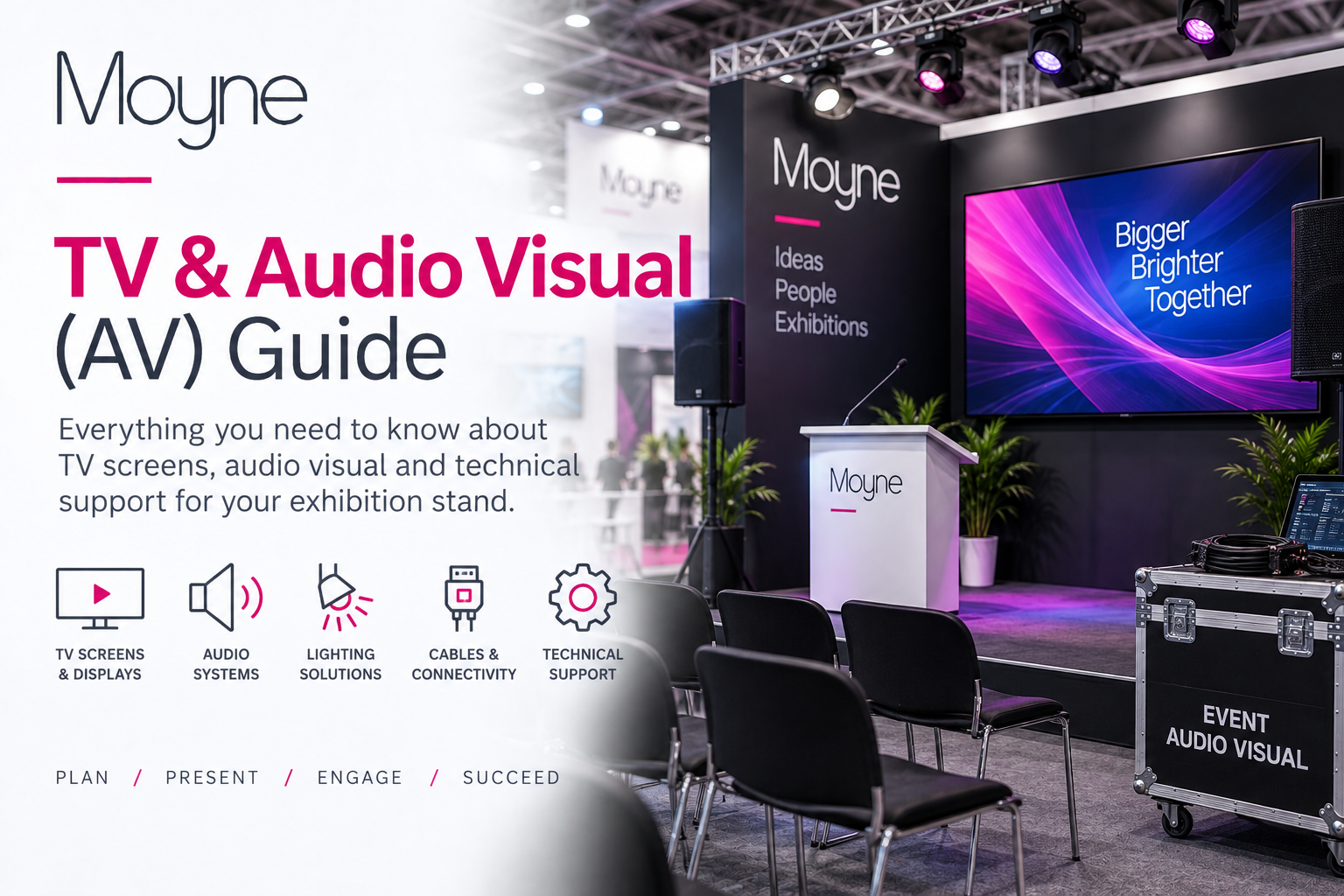
TV & Audio Visual (AV) Guide

Plan screens, digital displays, sound and interactive technology for your exhibition stand.

Audio visual equipment can help attract attention, explain products, demonstrate services and create a more engaging experience for exhibition visitors.

Use this guide to compare common exhibition AV products, choose suitable screen sizes, plan viewing positions and coordinate power, data, furniture and cable routes before placing your order.

Product availability, screen sizes, specifications, mounting options and ordering deadlines may vary between exhibitions. Always check the equipment and information available within your individual exhibition dashboard.
EXHIBITOR ZONE

Choose The Right Display

Select a screen size and display type that suits the stand, content and intended viewing distance.

Plan Power Early

Coordinate every screen, media player, speaker and interactive device with your electrical order.

Position For Visibility

Place equipment where visitors can see and use it without blocking entrances or creating congestion.

Why Use Audio Visual Equipment?

Use digital content to communicate quickly and clearly.

Exhibition AV equipment can support many different stand activities.

Common uses include:

  • Promotional videos
  • Product demonstrations
  • Corporate presentations
  • Customer testimonials
  • Animated branding
  • Interactive catalogues
  • Lead-capture forms
  • Digital brochures
  • Live demonstrations
  • Scheduled talks and seminars
  • Product launches
  • Maps, menus and visitor information

The most effective equipment is selected around a clear purpose rather than simply choosing the largest screen available.

Plan Around The Visitor Experience

Consider where people will stand, sit and interact.

Before selecting equipment, consider:

  • The size and shape of the stand
  • The number of open sides
  • Expected viewing distance
  • Visitor flow
  • Furniture positions
  • Screen height and viewing angle
  • Ambient exhibition lighting
  • Possible glare and reflections
  • Sound levels
  • Electrical requirements
  • Data or internet requirements
  • Cable management

Add AV positions to your stand plan before finalising furniture, electrical and flooring arrangements.

How To Plan Exhibition AV Equipment

Follow these four steps before placing your AV order.

1. Define The Purpose

Decide whether the equipment will display video, presentations, demonstrations, interactive content or visitor information.

2. Choose The Display

Select a suitable screen, touchscreen, kiosk, audio system or specialist AV product for the intended use.

3. Plan Power & Data

Confirm electrical connections, media players, internet access, signal cables, speakers and any equipment supplied by the exhibitor.

4. Submit The Layout

Show the equipment position, orientation, mounting method and related power points on the completed stand plan.

Common Exhibition AV Equipment

Products, sizes and availability vary between exhibitions.

Use these categories as general guidance. Check your exhibition dashboard or AV order form for exact specifications, mounting options, prices and availability.

LED Televisions

LED televisions are suitable for promotional videos, product demonstrations, presentations and digital branding.

Choose the screen size according to the stand dimensions, viewing distance and available mounting position.

Large Format Displays

Commercial large-format displays are designed for prominent digital content on larger exhibition stands.

They may provide improved brightness, extended operating periods and professional installation options.

Touchscreen Displays

Touchscreens can be used for product selectors, digital catalogues, interactive demonstrations, lead capture, surveys and maps.

Interactive content should be tested in advance and designed for simple visitor navigation.

Video Walls

A video wall combines multiple screens to create a larger visual display.

The final layout, screen bezels, content resolution, supporting structure, power and media distribution should be planned together.

LED Walls

LED walls can create a high-impact display for product launches, moving graphics and large exhibition stands.

Viewing distance, pixel pitch, finished dimensions, supporting structure and content format must be confirmed before ordering.

Presentation Screens

Presentation screens are suitable for scheduled talks, seminars, demonstrations and staff-led presentations.

Consider seating, speaker position, audience sightlines, lighting and sound requirements.

Digital Signage

Digital signage screens can display looping promotional content, schedules, directions, prices and product information.

Content should remain clear and readable from the expected viewing distance.

Tablets & Interactive Kiosks

Tablets and kiosks can support lead capture, product browsing, registrations, surveys and digital brochures.

Plan secure mounting, charging, internet access and regular content resets.

Audio Systems

Audio systems may be used for presentations, speech, video playback or background sound.

Exhibition sound limits and the effect on neighbouring stands should always be considered.

Lecterns & Presentation Equipment

Lecterns can provide a dedicated presentation point for speakers and may include space for microphones, laptops or presentation controls.

Coordinate lecterns with the Furniture & Accessories Guide.

Media Players

A media player can provide reliable looping playback without leaving a laptop connected throughout the exhibition.

Confirm compatible file formats, screen resolution and autoplay settings.

Specialist AV Equipment

Specialist requirements may include projection, immersive displays, live streaming, cameras, virtual reality or custom interactive installations.

Contact the Moyne team early where the required equipment is not listed among the standard options.

Coordinate AV With Your Complete Stand

Plan screens, power, furniture and cable routes together.

AV equipment should be coordinated with the Electrical Guidance, Furniture Guide, Flooring Guide and Stand Planning Guide.

Show the final position of every screen, kiosk, lectern, speaker and related electrical point before submitting the stand plan.

Exhibition Screen Size Guide

Choose a screen size that suits the stand and viewing distance.

32-Inch Screens

Suitable for counters, compact stands, close viewing and supporting information.

Best where visitors will stand relatively close to the display.

43-Inch Screens

A versatile size for smaller and medium stands, demonstrations and promotional video.

Can work well on a wall, floor stand or suitable display unit.

55-Inch Screens

A popular option for presentations, digital signage and prominent exhibition content.

Allow sufficient wall or stand width around the screen.

65-Inch Screens

Suitable for larger visual content, presentations and stands with a greater viewing distance.

Check the total dimensions and supporting structure before ordering.

75-Inch Screens

Suitable for high-impact content, scheduled presentations and larger exhibition stands.

The screen should not overwhelm the available wall or restrict the stand layout.

85-Inch & Larger Displays

Large screens require careful planning for access, installation, supporting structures, electrical supply and safe positioning.

Contact the Moyne team before finalising a very large display.

Screen Mounting Options

Confirm the mounting method before completing the stand design.

Wall Mounted

Wall mounting creates a clean appearance and helps keep floor space clear.

The wall structure, screen weight, bracket and installation height must be suitable.

Floor Stand

A floor stand offers flexibility where wall mounting is not possible.

Allow enough space around the base and route cables safely.

Freestanding Display Unit

A freestanding display structure can integrate a screen with branding, shelving, storage or demonstration areas.

Counter Mounted

Smaller screens and tablets may be positioned on or within a counter.

Check the viewing height, security, power and available work surface.

Suspended Display

Suspended AV equipment may require advance approval, certified rigging and a suitable venue suspension point.

This should be discussed well before build-up.

Custom Installation

Custom AV installations should be coordinated with the complete stand structure, graphics, electrical services and build schedule.

Preparing Screen Content

Prepare and test content before arriving at the venue.

For standard landscape screens, content will commonly use a 16:9 format.

Typical recommendations include:

  • 1920 × 1080 Full HD content
  • 3840 × 2160 4K content where supported
  • MP4 video files
  • JPEG or PNG still images
  • Landscape orientation unless otherwise specified
  • Short looping sequences
  • Large, readable text
  • Clear branding and calls to action

Confirm the exact technical requirements for the selected display before producing final content.

Design For An Exhibition Environment

Visitors may only look at the screen for a few seconds.

Effective exhibition content should be easy to understand quickly.

Consider:

  • Keeping individual messages short
  • Using large text and strong contrast
  • Avoiding dense paragraphs
  • Using captions where video has speech
  • Making content effective without sound
  • Displaying contact details clearly
  • Testing the complete loop length
  • Checking branding against the Graphics & Artwork Guidelines

Muted or captioned content is often more practical in a busy exhibition hall.

AV Planning Checklist

Review these points before submitting the AV order.

Purpose Confirmed

Confirm whether the equipment is for video, presentations, interaction, sound or digital signage.

Viewing Distance Checked

Choose a screen size and height that remain comfortable and visible from the intended viewing area.

Power Ordered

Include power for the screen, media player, laptop, speakers and any associated equipment.

Cable Route Planned

Plan safe routes for power, HDMI, network and audio cables without obstructing visitors.

Mounting Method Confirmed

Confirm whether the equipment will be wall mounted, floor standing, counter mounted or installed within a custom structure.

Content Tested

Test the final video, presentation, interactive content, resolution, sound and looping behaviour before build-up.

AV Checks During Build-Up

Test the complete setup before the exhibition opens.

During build-up, check:

  • The correct equipment has been supplied
  • The display is securely installed
  • Power and signal connections work
  • The content plays correctly
  • The video loops as intended
  • The image fills the screen
  • The brightness is suitable
  • Sound levels are appropriate
  • Remote controls are available where required
  • Visitor-facing cables are safely managed

Report any missing equipment or installation concerns as soon as possible.

Using Your Own Laptop Or Media

Confirm compatibility before arriving on-site.

Where an exhibitor supplies a laptop, tablet, media player or another source device, confirm:

  • The connection type
  • Required adaptors
  • Screen resolution
  • Video playback software
  • Power supply
  • Internet requirements
  • Audio output
  • Automatic sleep settings
  • Presentation permissions and passwords

Bring tested backup copies of essential content wherever possible.

Order Exhibition AV Equipment

Screens and AV equipment can be ordered through your exhibition dashboard.

Select your exhibition to view available televisions, displays, mounting options, audio equipment, specifications, prices and ordering deadlines.

Where online ordering is not yet available, download and complete the relevant TV or AV order form.

Frequently Asked Questions

This may depend on the exhibition, venue and build-up arrangements. Confirm the proposed screen, mounting method, electrical supply and installation requirements with the Moyne team before bringing equipment to the venue.

Sound may be permitted, but volume should remain appropriate for the exhibition environment and neighbouring stands. Check any event-specific rules before planning amplified sound.

This is often possible, subject to the screen connections and equipment specification. Confirm the required connection type and bring any necessary adaptors.

MP4 video in a 16:9 landscape format is commonly suitable, but exact requirements vary between screens and media players. Confirm the required resolution and file format before producing final content.

Mounting equipment and installation arrangements vary between products and exhibitions. Check the individual product description or AV order form before placing the order.

Installation may be available as part of the selected AV service. Contact the Moyne team with the exhibition, stand number, screen size and proposed mounting position.

This may be possible depending on the wall structure, mounting system, screen size and stand design. Clearly show the preferred height on the stand plan.

Available interactive equipment varies between exhibitions. Check the AV options shown within the exhibition dashboard or contact the Moyne team for specialist requirements.

Need Help Planning Exhibition AV Equipment?

Contact the Moyne team for help choosing screens, mounting options, audio equipment and specialist AV services.

Please include your exhibition name, company name, stand number, stand dimensions and the type of content you want to display.

+44 (0)208 997 8596
info@moyne.co.uk